


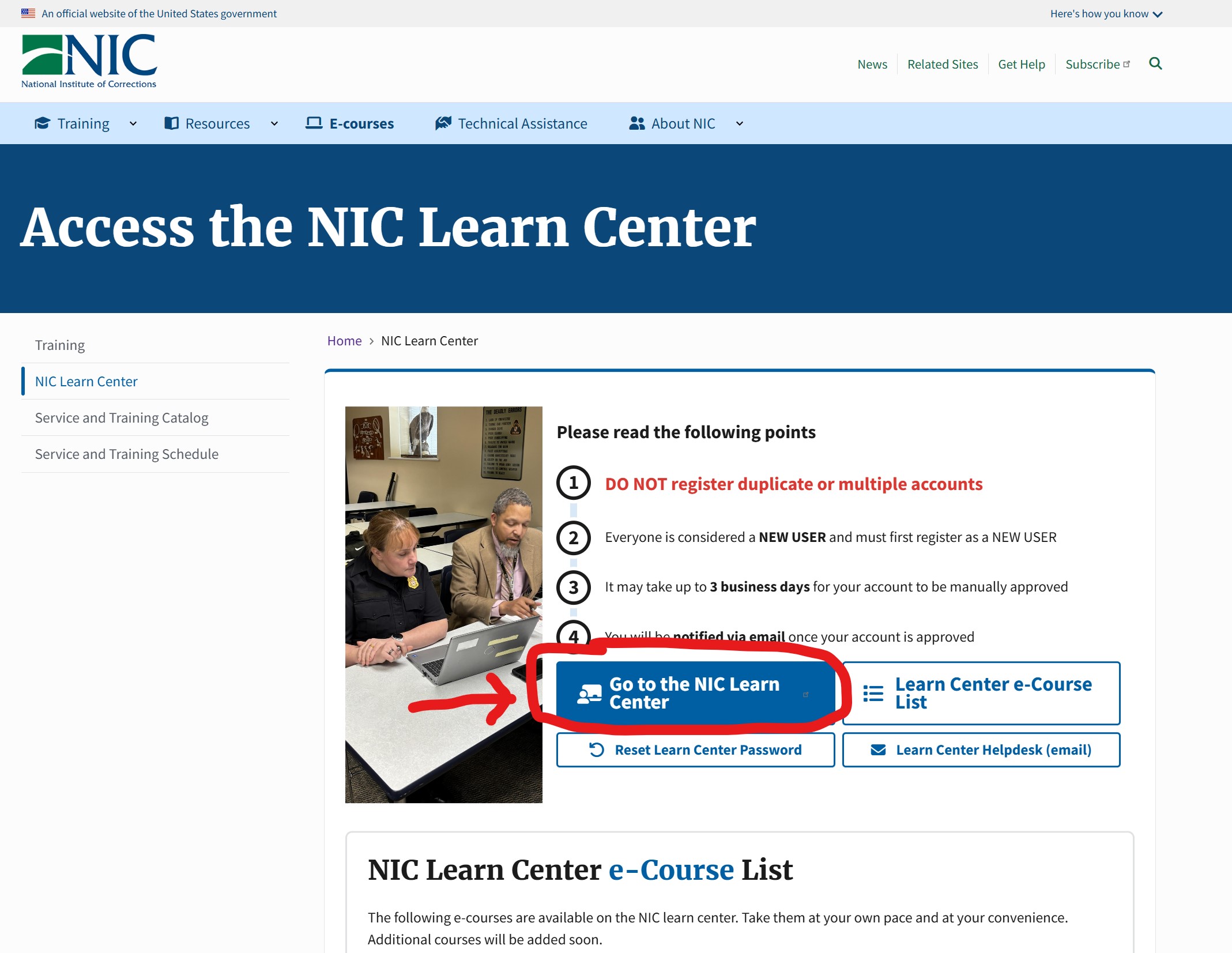
Go to learn.nicic.gov
Click the blue button labeled, "Go to the NIC Learn Center"
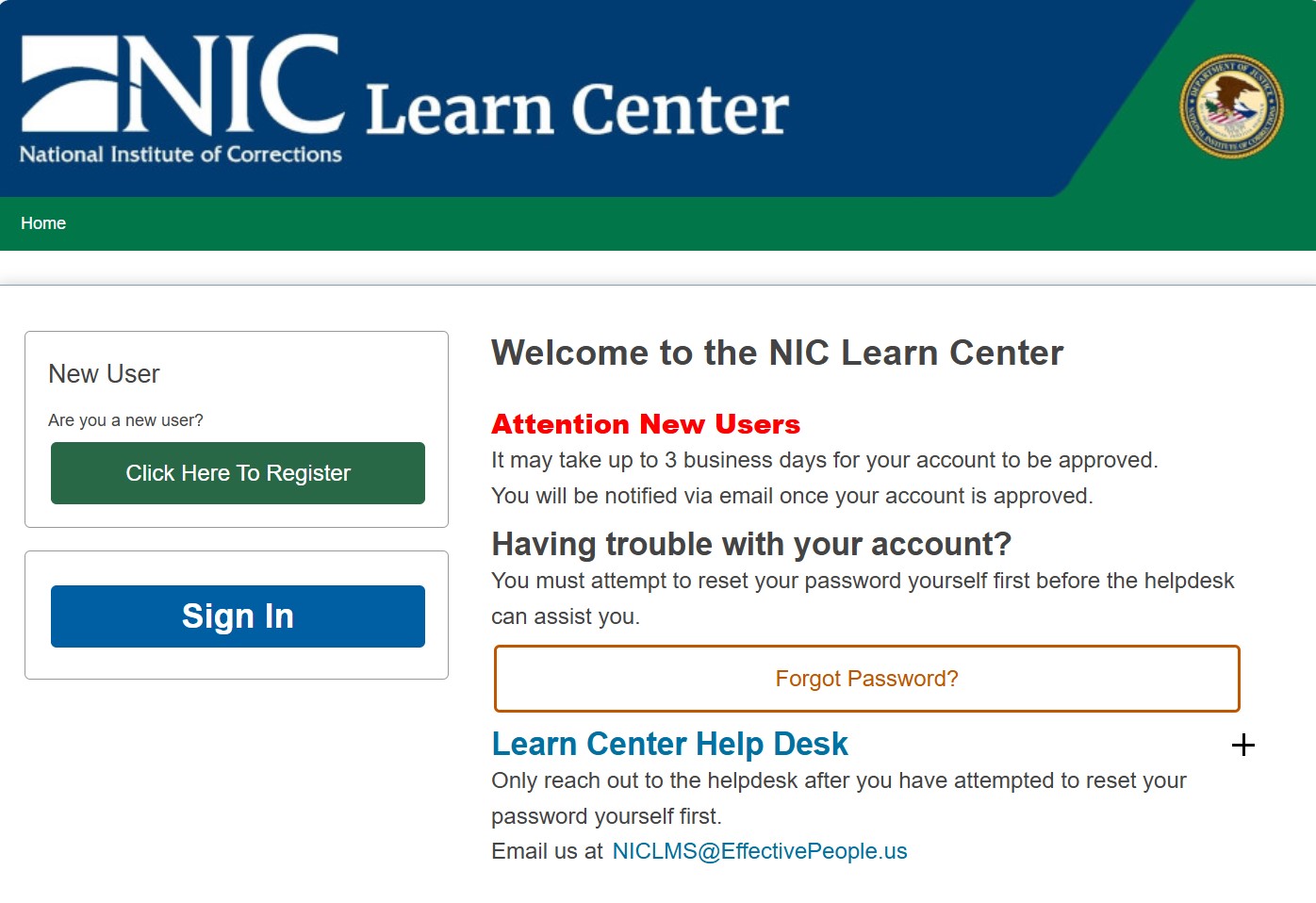
You must try to help yourself first.
Click the "Forgot Password?" buttonClick the "Forgot Password?" button to attempt to reset your password yourself. This is an automatic process you can perform yourself without having to wait for anyone.
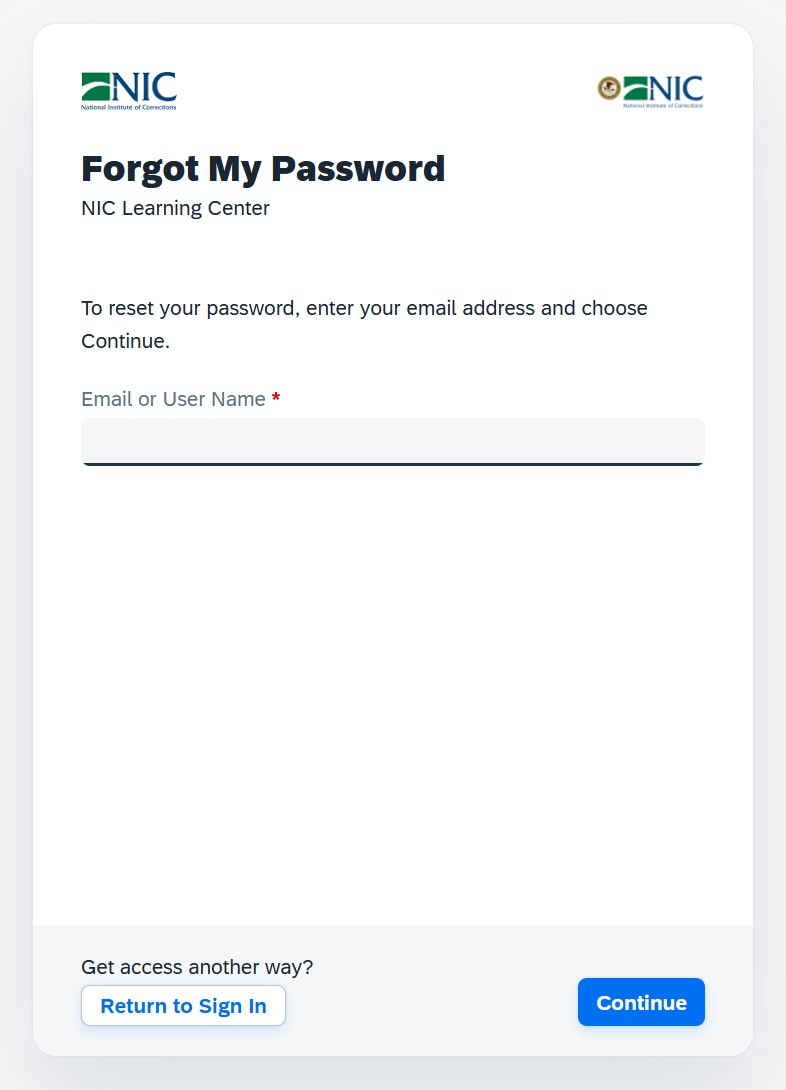
Enter your email and click "Continue"
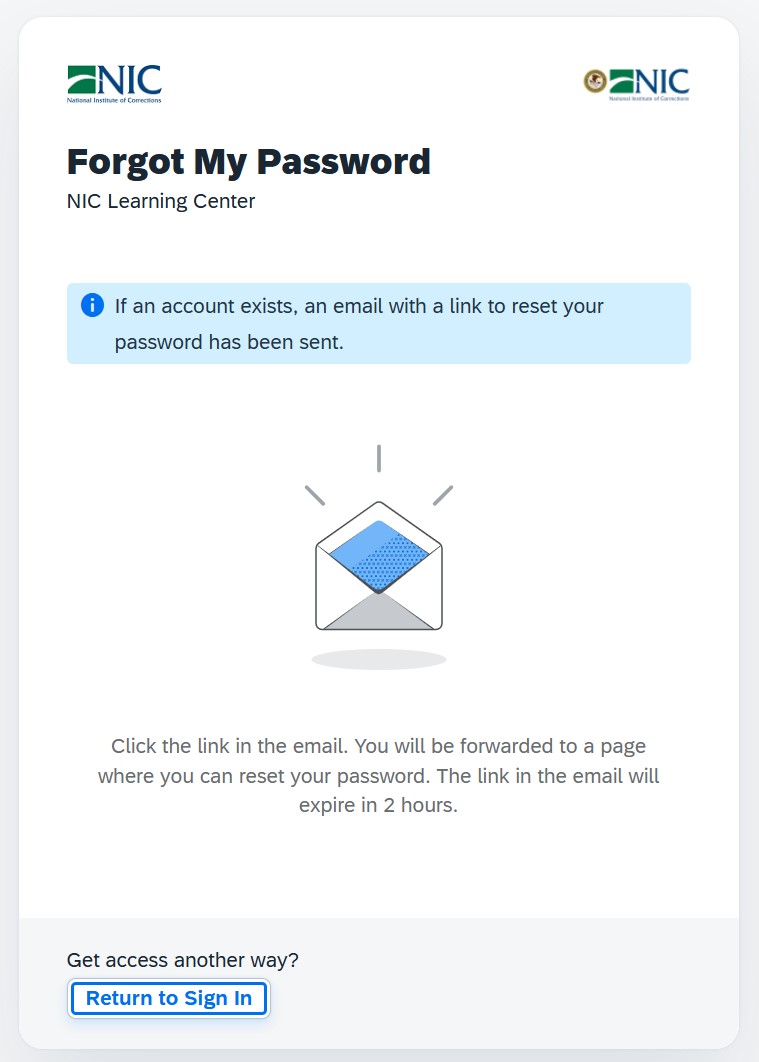
The page will confirm that if an account tied to your email exists in the system, it will send you an email with a link to allow you to reset your password.
What if I never get an email?
If you don't receive a password reset email within 24 hours, only at that point should you reach out to the NIC helpdesk: NICLMS@EffectivePeople.us